
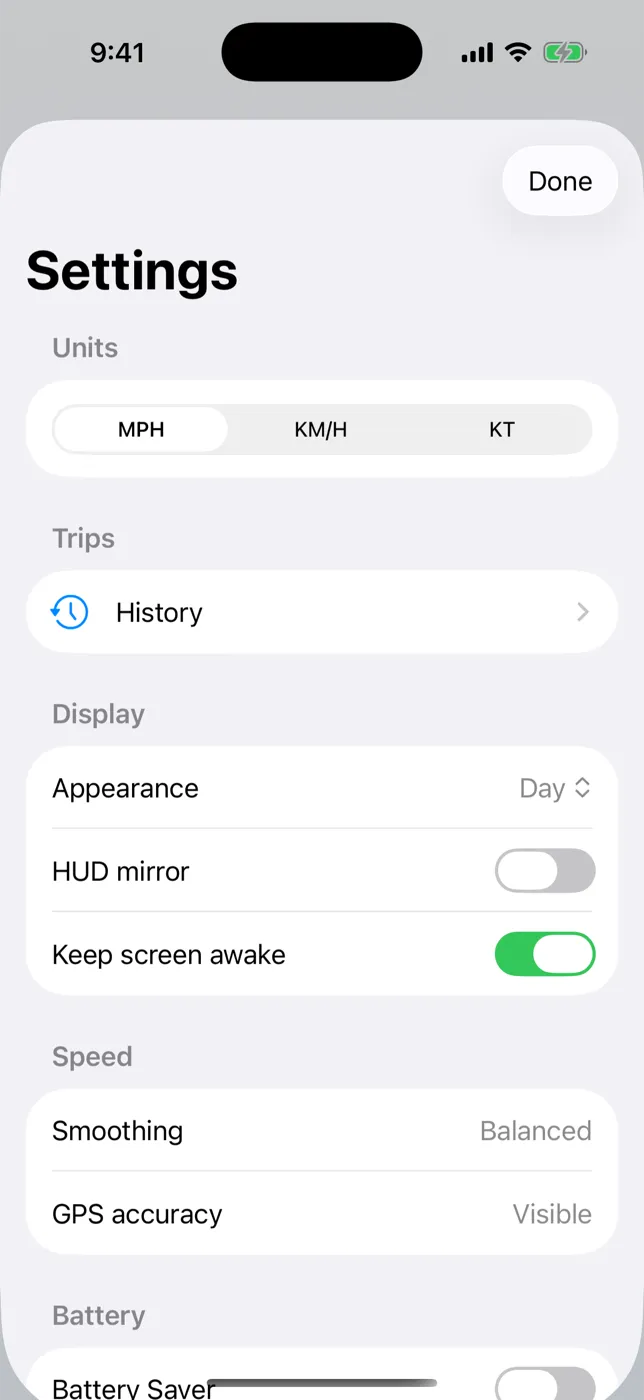
Quick guide
| Unit | Use it for | Trip distance |
|---|---|---|
| MPH | U.S. and U.K. roads, cycling in the U.S. | miles (mi) |
| KM/H | Most other countries, rental cars abroad, metric cycling | kilometers (km) |
| KT (knots) | Boats, sailing, paddling | nautical miles (nm) |
Conversions
- 1 mph = 1.609 km/h
- 1 knot = 1.852 km/h ≈ 1.151 mph
- 100 km/h ≈ 62 mph ≈ 54 knots
Traveling abroad
If a rental car shows KM/H and you think in MPH (or the reverse), ClearSpeed can show your familiar unit — but posted signs will be in the local unit, so check which one you're reading.
Changing units doesn't change what the app collects: nothing leaves your device either way.
Try it on your next trip
ClearSpeed GPS is $3.99 once in the U.S. App Store, with no subscription, in-app purchases, or ads. View ClearSpeed GPS on the App Store.